Stage cinematic moments
Direct dialogue, camera movement, cast actions, skip behavior, and summon sequences on visual timelines.
Terminal-native fantasy RPG creation

Ichiloto is a 100% PHP game engine and authoring toolkit for building ASCII-powered 2D RPGs with a built-in TUI editor, cinematic storytelling, summons, persistent worlds, and both classic turn-based and active-time battle systems.
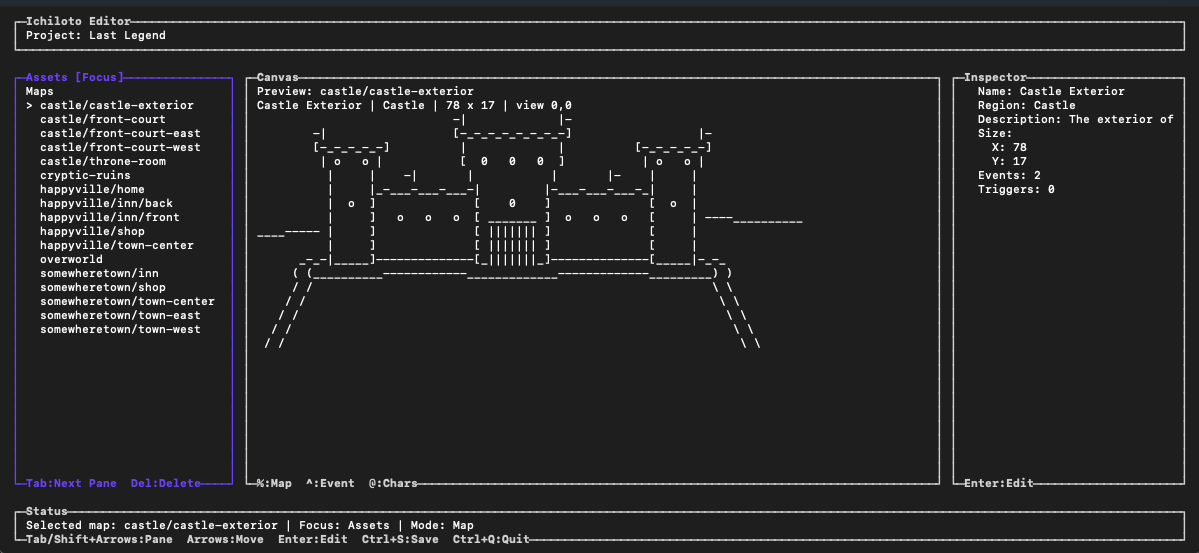
Map assets, the live canvas, and the inspector all stay visible while you author.

The same engine that powers the editor also gives your project a crisp title flow and menu system.
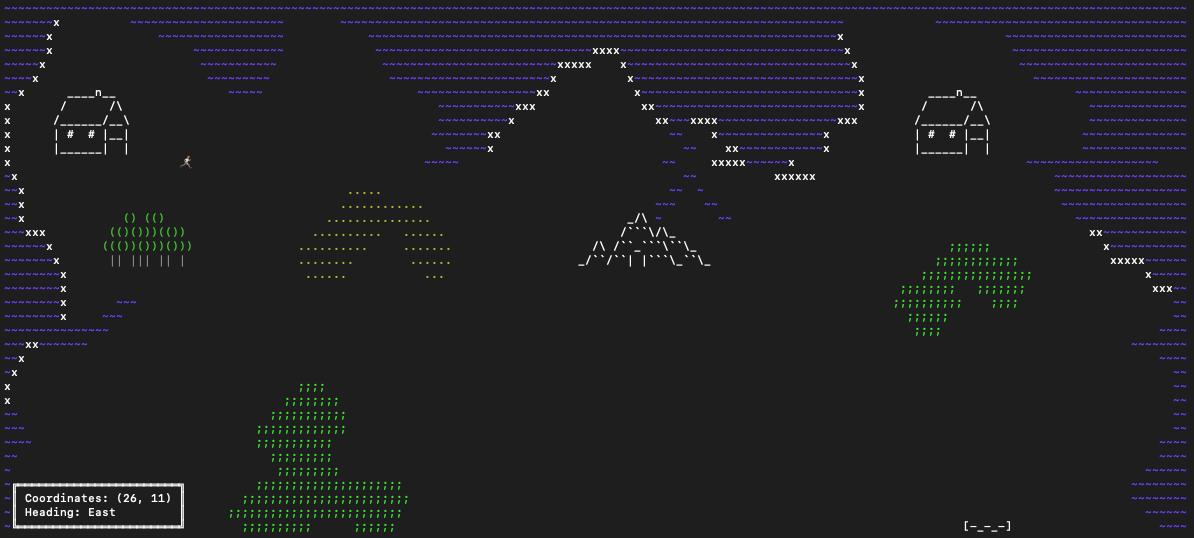
Overworld traversal stays readable, retro, and full of personality even inside a terminal.
Release 0.5.0
Ichiloto 0.5.0 gives you cinematic storytelling, summons, richer worldbuilding, durable saves, project-wide validation, and repeatable battle testing.
Direct dialogue, camera movement, cast actions, skip behavior, and summon sequences on visual timelines.
Shape map encounters, music, NPCs, story events, quests, progression, and persistent world state as one connected game.
Keep long-running adventures playable as your actors, items, quests, maps, and story grow between releases.
Check the whole project for broken references and run repeatable battle tests before problems reach players.
01 / Engine
Ichiloto brings together the feel of classic 2D fantasy RPGs and the speed of terminal-native creation. Build worlds, author events, script encounters, and shape progression without heavy tooling or bloated workflows.
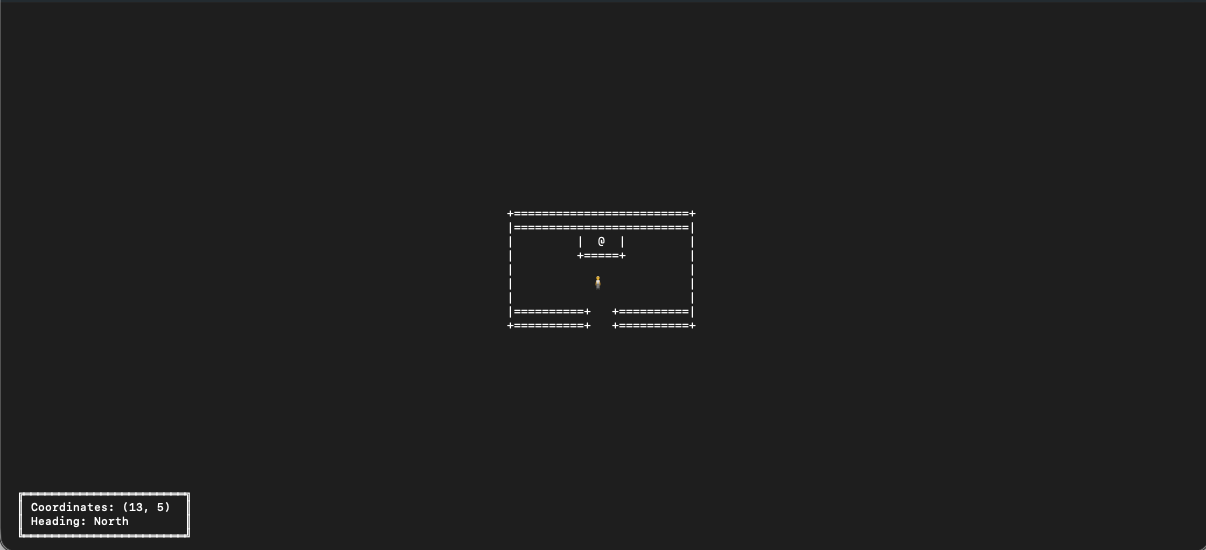
Scene transitions and interior layouts keep their structure and mood in the terminal.
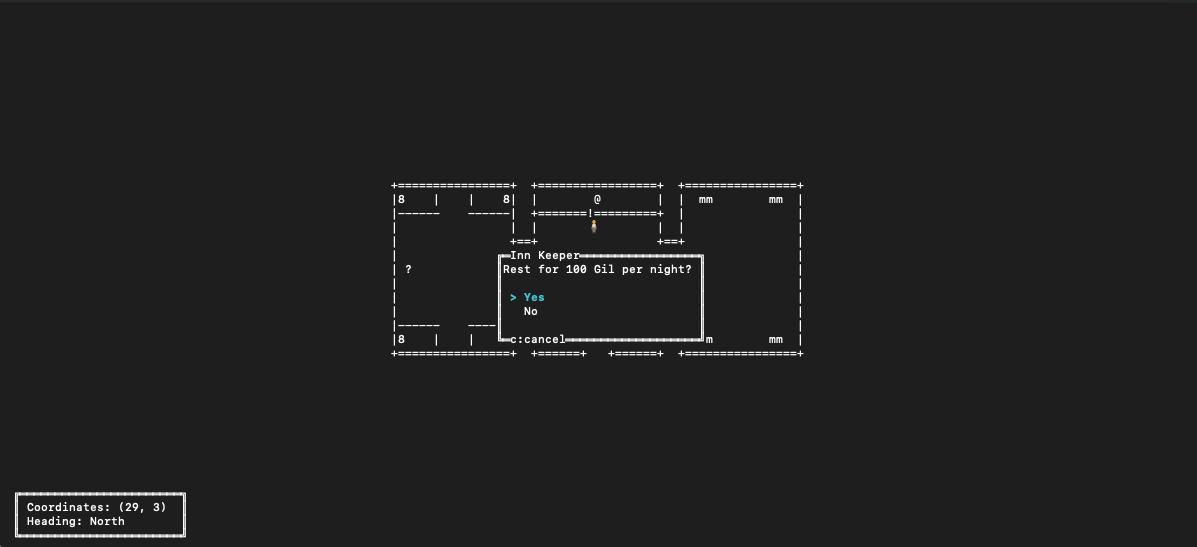
Prompts like resting at an inn feel native to the adventure instead of bolted on.
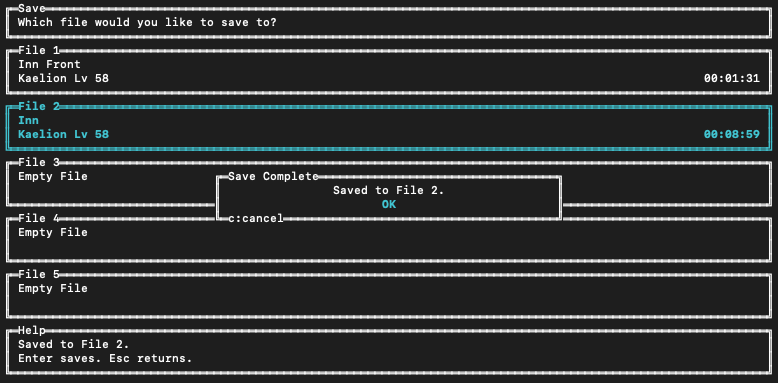
Multiple save slots make playtesting, balancing, and real progression easy to manage.
Keep the whole creation loop close to the command line instead of scattering tools across a heavy desktop stack.
Maps, events, dialogue, and gameplay setup all live in a tactile authoring environment that feels game-like.
Jump from editing to playtesting in seconds with a workflow built around quick iteration.
ASCII scenes, ANSI color, and lightweight structures give your world personality without a bloated pipeline.
Work directly with progression, encounters, events, and dialogue instead of abstracted visual builder sprawl.
Ichiloto includes a dedicated TUI editor that makes RPG authoring feel structured, fast, and tactile. Work on maps, events, dialogue, databases, cinematics, summons, and gameplay systems without leaving the console.
Move through project assets, the live map canvas, and the inspector without context-switching into separate tools.
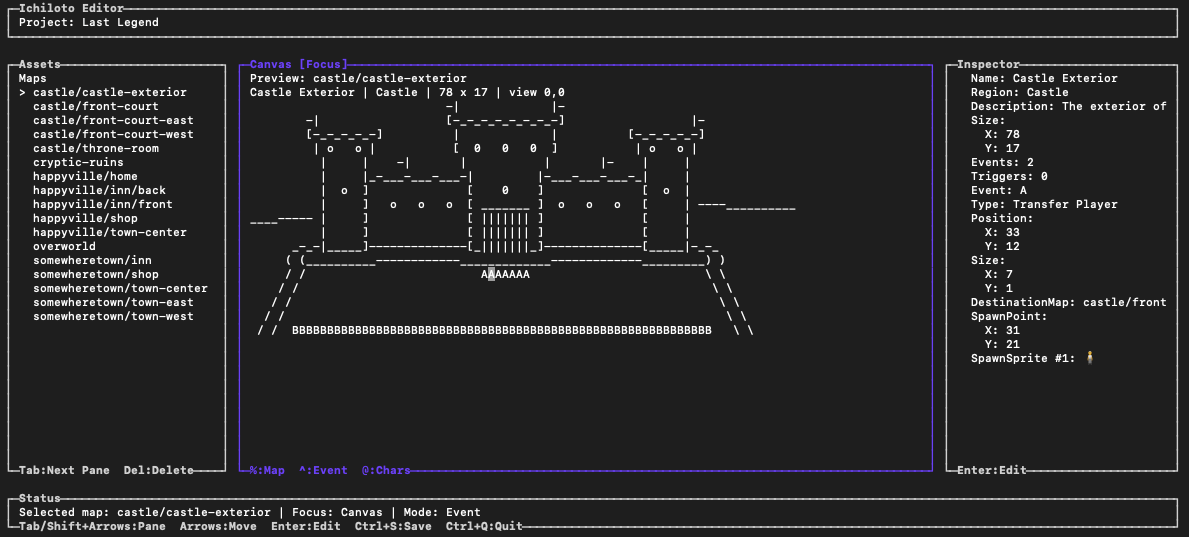
Event editing lets you wire map transitions, spawn points, and interaction data straight from the canvas.
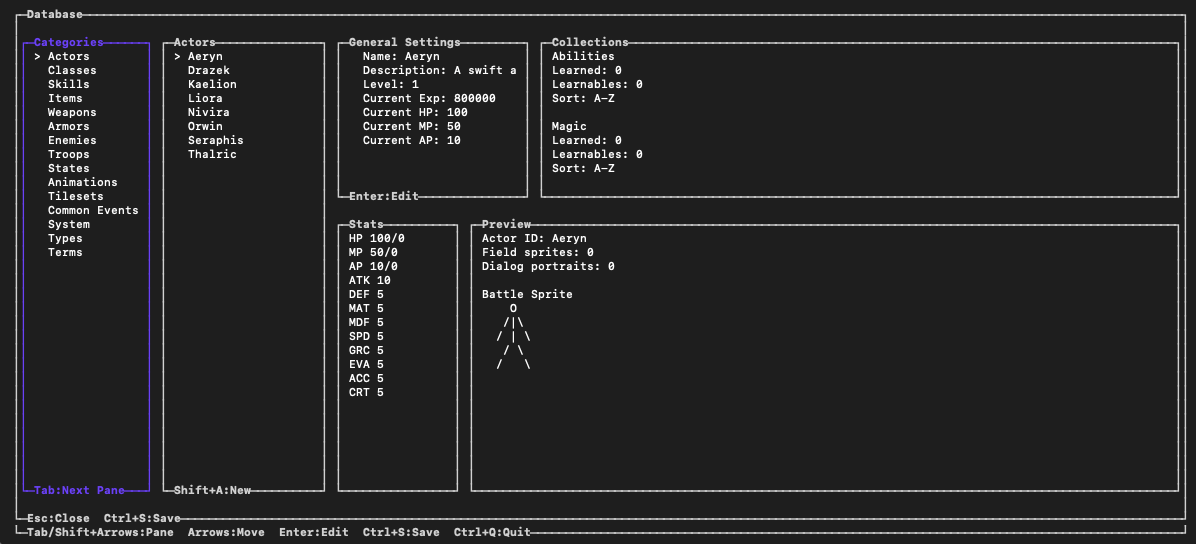
Actors, classes, items, enemies, and project data live in a structured database view made for RPG work.
Ichiloto includes two battle systems out of the box, giving you flexibility in pacing and feel.
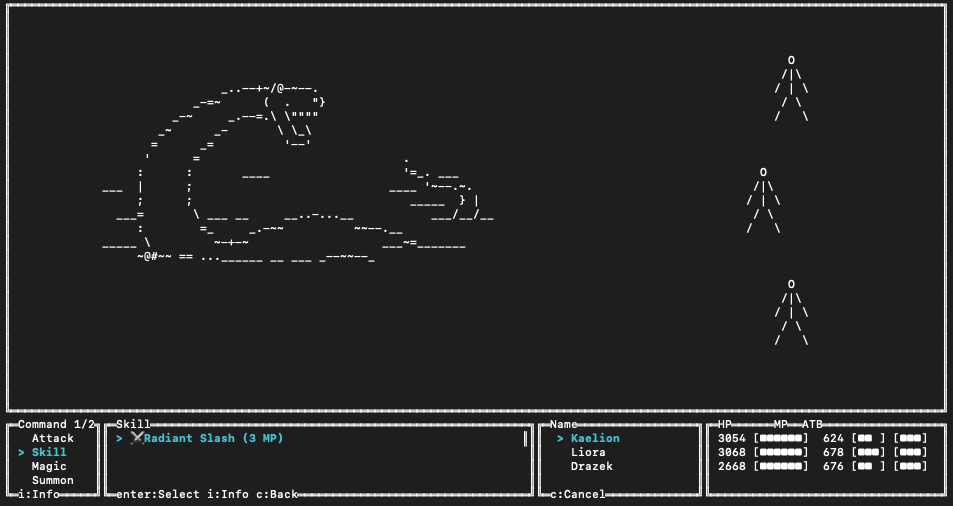
Deliberate, tactical, and menu-driven. Great for careful party play and traditional encounter pacing.
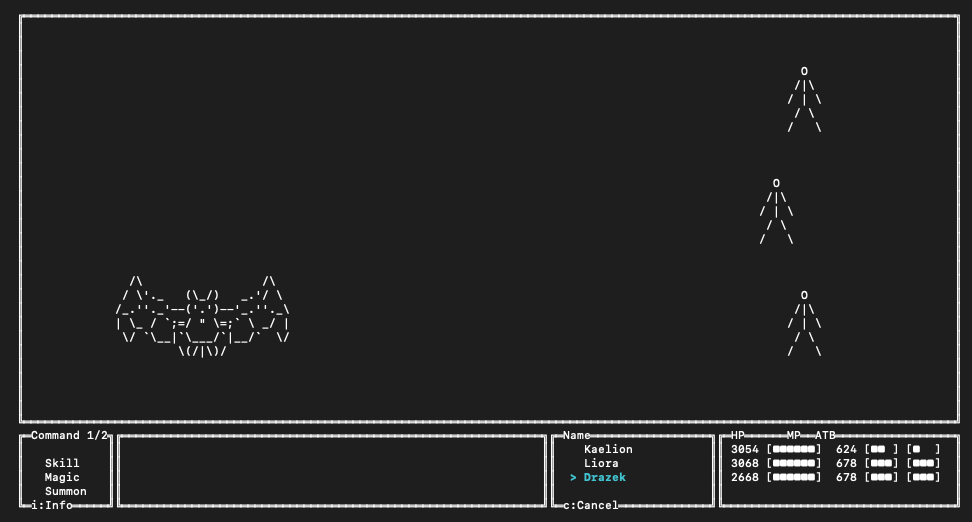
Faster and more urgent, with a layout that keeps the pressure visible while actions come online.
From exploration to encounters, Ichiloto includes the core building blocks needed to create story-rich terminal RPGs.
Travel across overworld spaces with landmarks, terrain changes, and a strong sense of place.
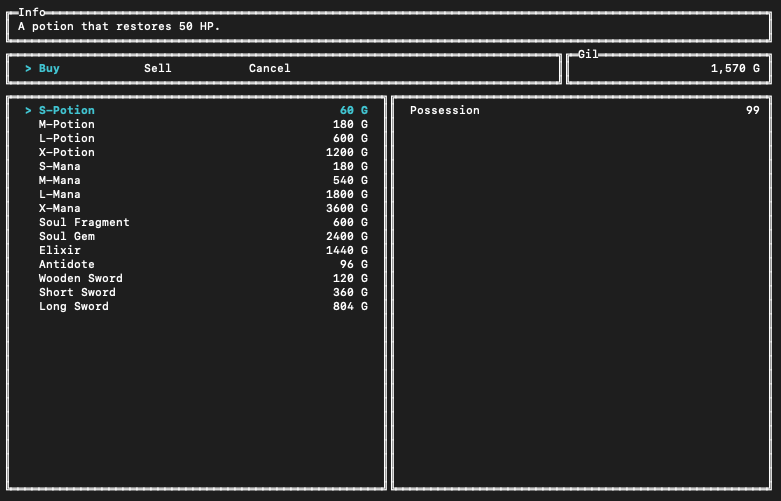
Economy flows are already part of the engine, from browsing stock to comparing prices and quantities.
Inn prompts, NPC services, and modal choices slot neatly into the same game language as exploration.
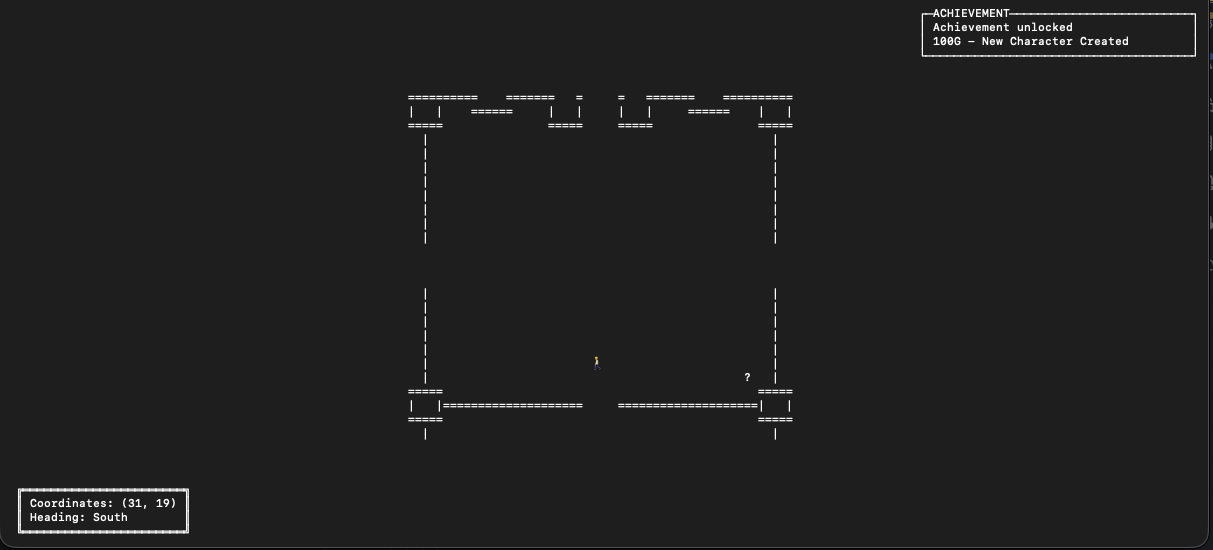
Surface achievements, quest beats, rewards, and system messages with polished in-game notifications.
Ichiloto keeps the loop focused: install the CLI, create a project, open the editor, and play-test immediately.
Install the Ichiloto CLI globally via Composer.
Scaffold a new RPG project with a starter hero, map, and title banner.
Enter the TUI editor and start building your world.
Launch your game and iterate quickly from the CLI.
The same FIGlet-backed flow that powers `ichiloto new` is available on demand whenever you want a new banner or wordmark.
ichiloto generate:figlet "Moonfall Legend" --output assets/Graphics/System/title.txt
Build nostalgic adventures, author them in a dedicated terminal editor, and bring your world to life with a workflow built around speed, simplicity, and retro creativity.
Join the Community